


Automatic reverse DNS (PTR): a ready record for your mail-sending server
One of the most annoying problems for mail-sending servers is receivers rejecting mail because "your IP address has no reverse record". On Gyro Cloud Istanbul this is now solved from the start: every IP address comes with a ready reverse DNS (PTR) record.
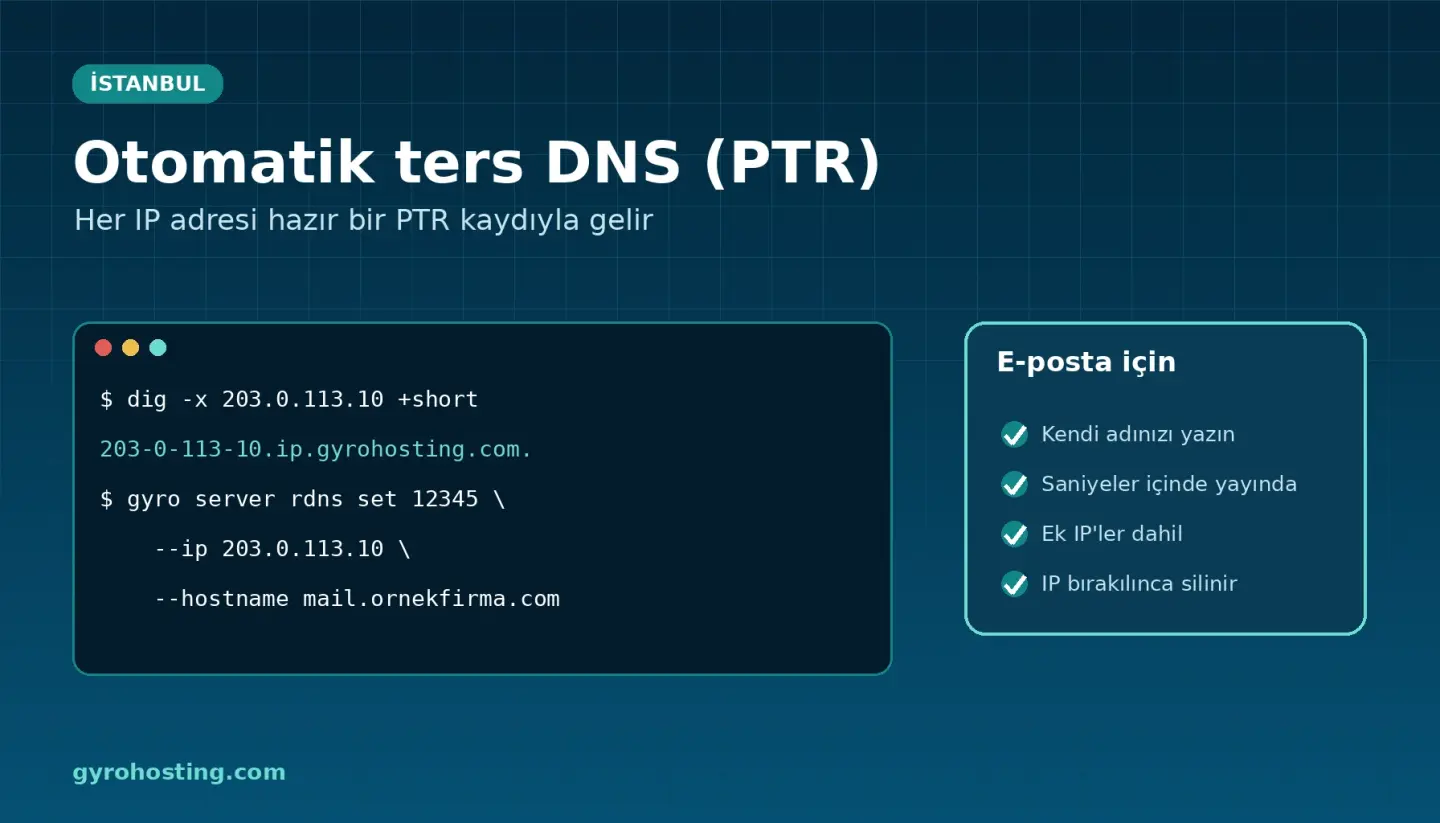
What changed?
- Automatic record: your server's primary IP and every additional IPv4 you add has a PTR record in the form
203-0-113-10.ip.gyrohosting.com. - Forward record is ready too: the A record of that name points to the same IP, so both directions confirm each other.
- Write your own name: for the address that sends mail you publish your own name such as
mail.ornekfirma.comwithin seconds. - Cleaned up automatically: when you delete the server or release an additional IP, that address's record is removed.
Writing your own name
First add an A record in your domain's DNS pointing the name to your server's IP, then write the reverse record:
gyro server rdns list 12345
gyro server rdns set 12345 --ip 203.0.113.10 --hostname mail.ornekfirma.com
You can also do it in the panel under Management → Network & Security → Reverse DNS; the API (PUT /cloud/servers/{id}/rdns) and Terraform (gyro_server_rdns) are supported as well. Names under Gyro domains and protected brand names are refused; at most 30 changes can be made per hour.
A short checklist for e-mail delivery
- Make the PTR name, the A record and the e-mail's
HELOname match. - Have SPF, DKIM and DMARC records on your domain; see SPF, DKIM and DMARC on Gyro DNS.
- For bulk mail you can use a separate IP (additional IPv4) and set its PTR separately.
Details: the Reverse DNS (PTR) guide. Product page: Gyro Cloud Istanbul.
Comments0
No Comments Yet
Be the first to share your thoughts.
Please sign in or sign up to leave a comment.