


Autoscaling and instant alerts on Gyro Containers
Traffic can be close to zero at night and ten times higher in the morning. Gyro Containers now offers per-service autoscaling, and you get instant alerts when your service goes down, keeps restarting or runs out of capacity. There is no extra charge.
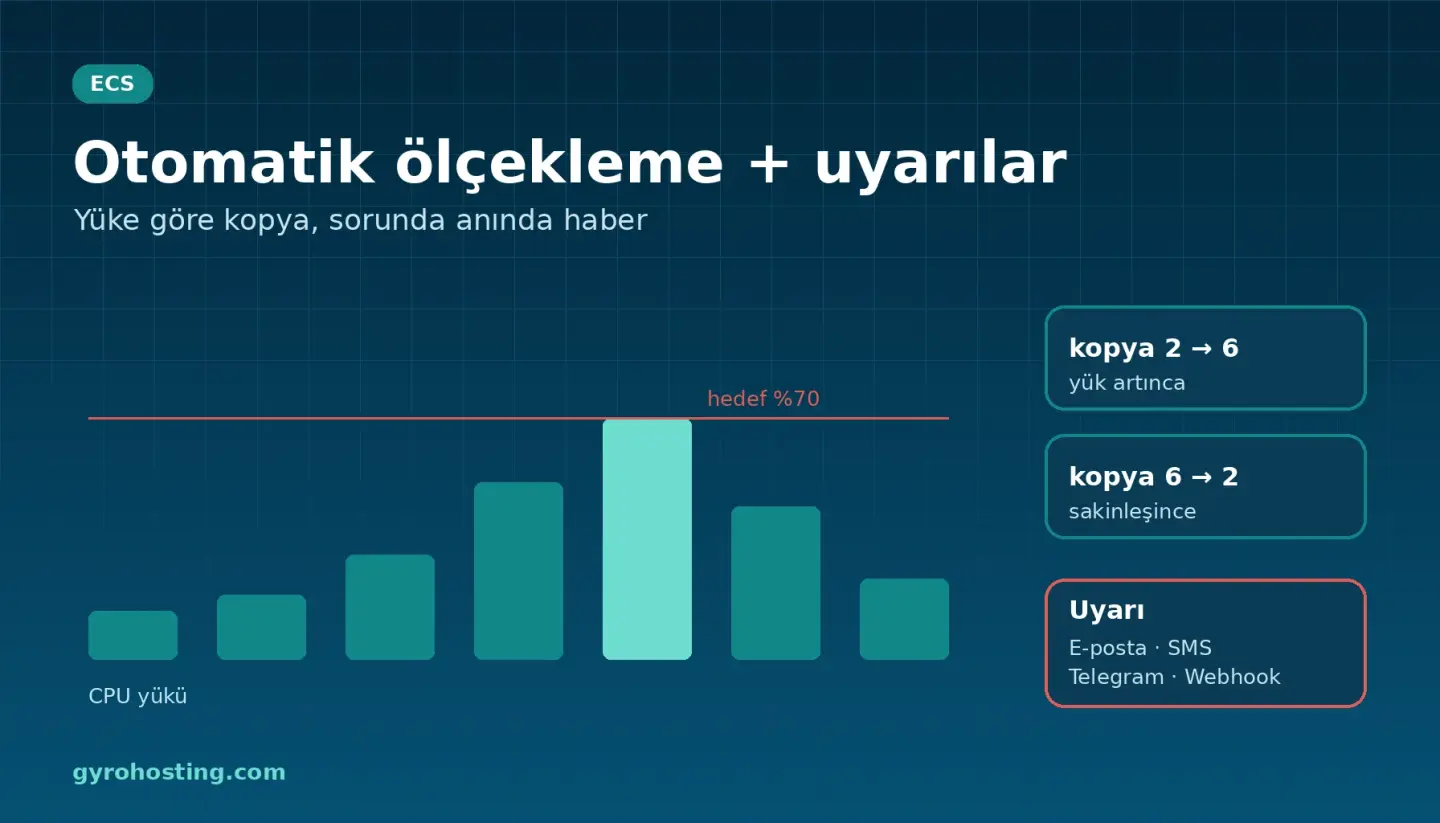
Autoscaling
Turn on Autoscaling in the service settings: set the minimum and maximum number of replicas and a CPU target (and optionally a memory target). When usage goes above the target replicas are added; when the load drops and stays calm, replicas are removed.
gyro container service autoscale 12345 web \
  --autoscaling '{"enabled":true,"min":2,"max":6,"cpu_percent":70}'
- The percentage is relative to the size you reserved for the service; if you reserved 0.5 vCPU a 70% target means 0.35 vCPU per replica on average.
- Scaling does not create a new version; a rollback does not disturb your scaling settings.
- Replicas start as far as your node pool has room; if the pool is full the panel tells you. Autoscaling does not change your package price.
Instant alerts
In your service open Notifications and choose your channels: e-mail, SMS, Telegram or a signed webhook. For Telegram, message @gyrouptime_bot with /start and enter the chat number it replies with. You are notified when:
- the service is not running (no ready replica),
- the service keeps restarting or its image cannot be pulled,
- ready replicas are below the threshold you set,
- autoscaling is at its ceiling but the load is still high,
- node capacity is not enough.
Short spikes do not raise an alarm; an event is reported when it lasts at least a few minutes. When the state recovers you get a single "Recovered" message.
How do I start?
Details and screen steps: the Autoscaling and alerts guide. Product page: Gyro Containers (ECS). You can also configure it with the API, the CLI and Terraform (gyro_container_notifications).
Comments0
No Comments Yet
Be the first to share your thoughts.
Please sign in or sign up to leave a comment.