


Additional disks on Gyro Cloud Istanbul: add SSD space without changing your plan
Has your database grown, or do backups and media no longer fit on the root disk while CPU and memory are fine? You can now add additional SSD disks to your Gyro Cloud Istanbul server without changing your plan.
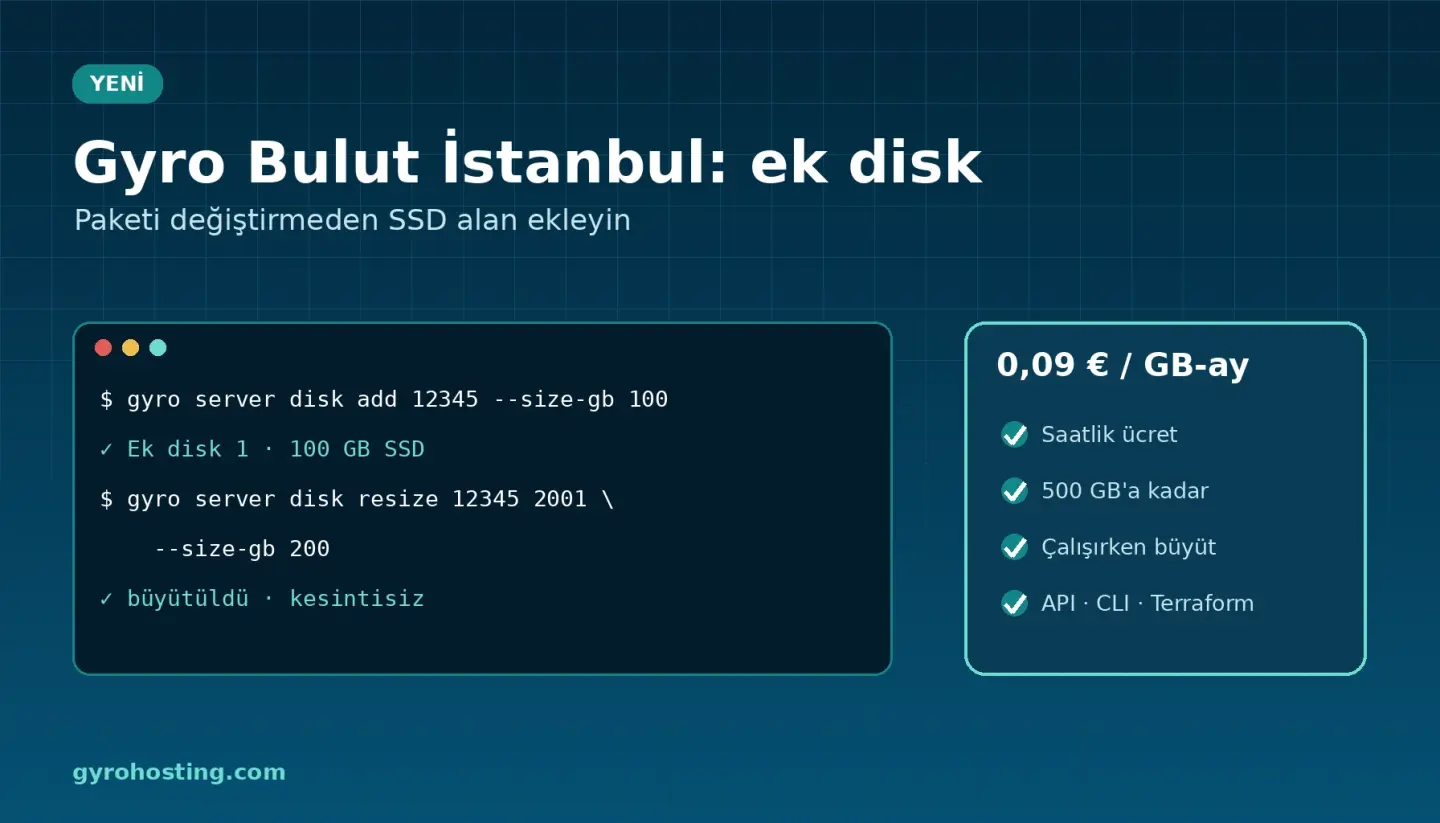
Highlights
- Transparent price: 0.09 € per GB-month (
0.99 €0.90 € for 10 GB, 9% off), metered hourly from your prepaid balance; billing stops when you delete the disk. Each disk is billed at least 1 hour. - Flexible size: 10 GB steps, up to 500 GB in total and at most 4 disks per server.
- Grow online: grow a disk without stopping the server (no shrinking), then extend the file system.
- In Turkey: disks live on RAID1 SSD storage in our Istanbul data centre.
- New — HDD large storage: for backups, archives and media at 0.035 € per GB-month (
0.49 €0.35 € for 10 GB), up to 2 TB per server. Choose HDD as the Type in the panel; SSD is recommended for databases.
Three steps in the panel
- Open Storage > Additional disks on your server's Manage tab.
- Click Add and enter the size; within seconds the disk shows up as a new empty disk.
- Format and mount it inside the server (e.g.
mkfs.ext4 /dev/sdb).
CLI and Terraform
gyro server disk add 12345 --size-gb 100 --yes
gyro server disk resize 12345 2001 --size-gb 200 --yes
# on the server: mkfs.ext4 /dev/sdb && mount /dev/sdb /data
resource "gyro_server_disk" "data" {
  server_id = gyro_server.web.id
  size_gb   = 100
}
The same works with the API: GET/POST /cloud/servers/{id}/disks, PUT/DELETE /cloud/servers/{id}/disks/{disk}.
Full steps and commands: Gyro Cloud Istanbul: adding and growing additional disks. Product page: Gyro Cloud Istanbul.
Comments0
No Comments Yet
Be the first to share your thoughts.
Please sign in or sign up to leave a comment.