


Hourly charges from your balance: how prepaid usage works at Gyro
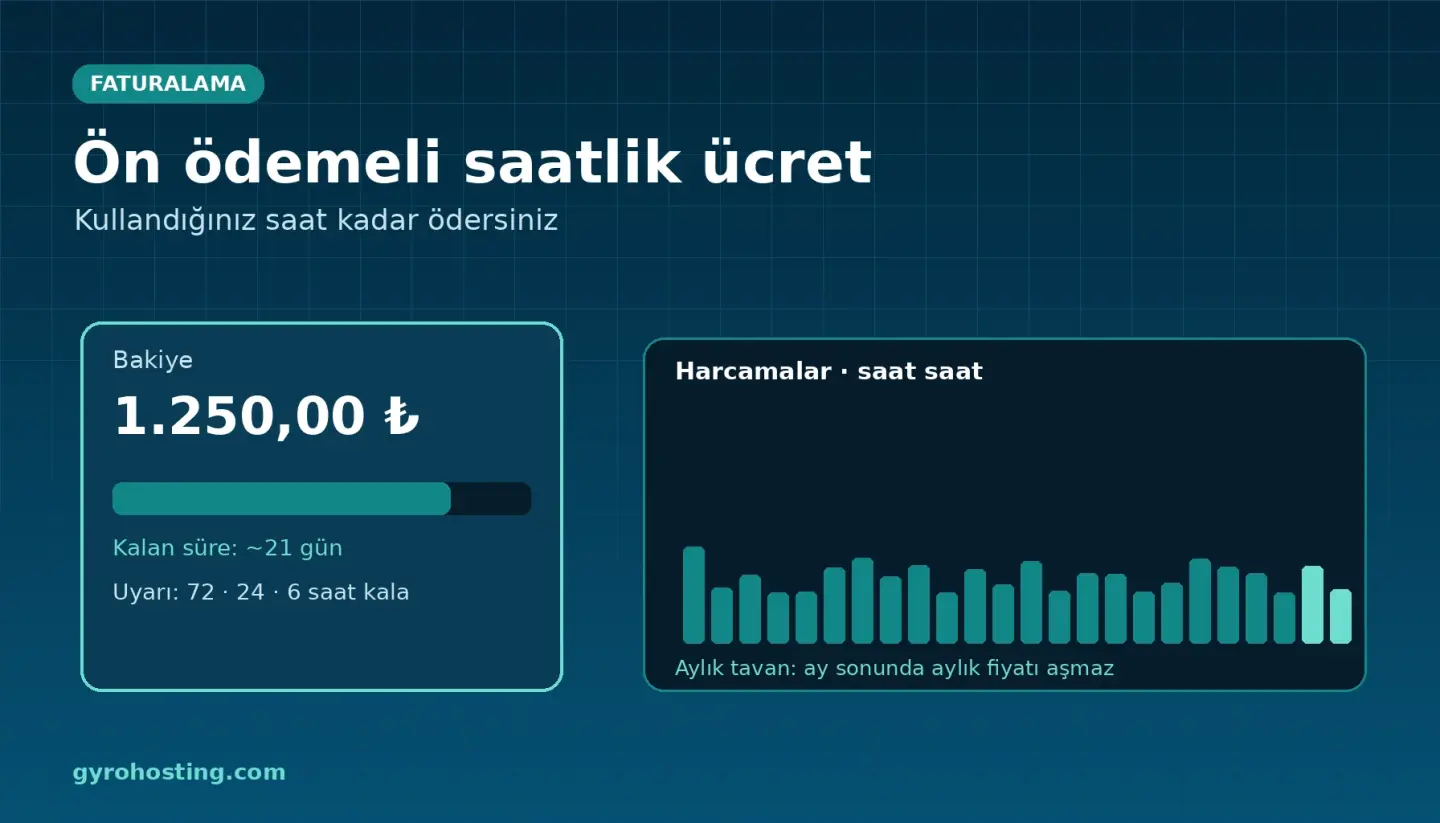
Gyro Cloud Istanbul and Gyro Containers are prepaid: you top up your account balance and, while your service runs, the charge for every hour that starts is deducted from it. There are no surprise invoices; every cent you spend is visible hour by hour.
What to know
- Hourly price = monthly price ÷ 672. Thanks to the monthly cap, what you pay for an item in a month never exceeds its monthly price.
- A top-up of at least 250 TRY. The top-up is invoiced with VAT; there is no separate invoice for hourly usage.
- The Spending page shows your hour-by-hour ledger and lets you download CSV or PDF; the same data is in the API and
gyro billingcommands. - Warnings: you receive an e-mail when your balance has 72, 24 and 6 hours left (SMS at 24 and 6).
- If the balance runs out the service is suspended and the charge stops; top up within 72 hours and it starts again, otherwise it is deleted.
- A powered-off but not deleted server is charged; delete the service to stop the charge.
Add-ons are hourly too
- Additional IPv4: 2 € per address per month (measured hourly); every address is charged for at least 6 hours and at most 3 addresses can be added to a server per hour.
- Snapshots: the first snapshot is free; extra snapshots are hourly and each is charged for at least 1 hour.
- Custom template: 0.05 € per GB per month on the space used.
All of them appear as separate rows on the Spending page.
Get started
Step by step: Getting started: prepaid usage, How the hourly price is calculated and The Spending page. Balance is not refundable; it is spent on Gyro services.
Comments0
No Comments Yet
Be the first to share your thoughts.
Please sign in or sign up to leave a comment.