


Get Let's Encrypt Wildcard Certificates Automatically with Gyro DNS
HTTPS is the default for every website, API and internal dashboard. Let's Encrypt certificates are free but must be renewed every 90 days, and if you run many subdomains a wildcard certificate (*.example.com) makes life much easier. Wildcard certificates can only be issued with DNS validation (DNS-01). If your domain's DNS is on Gyro DNS, that validation is now fully automatic.
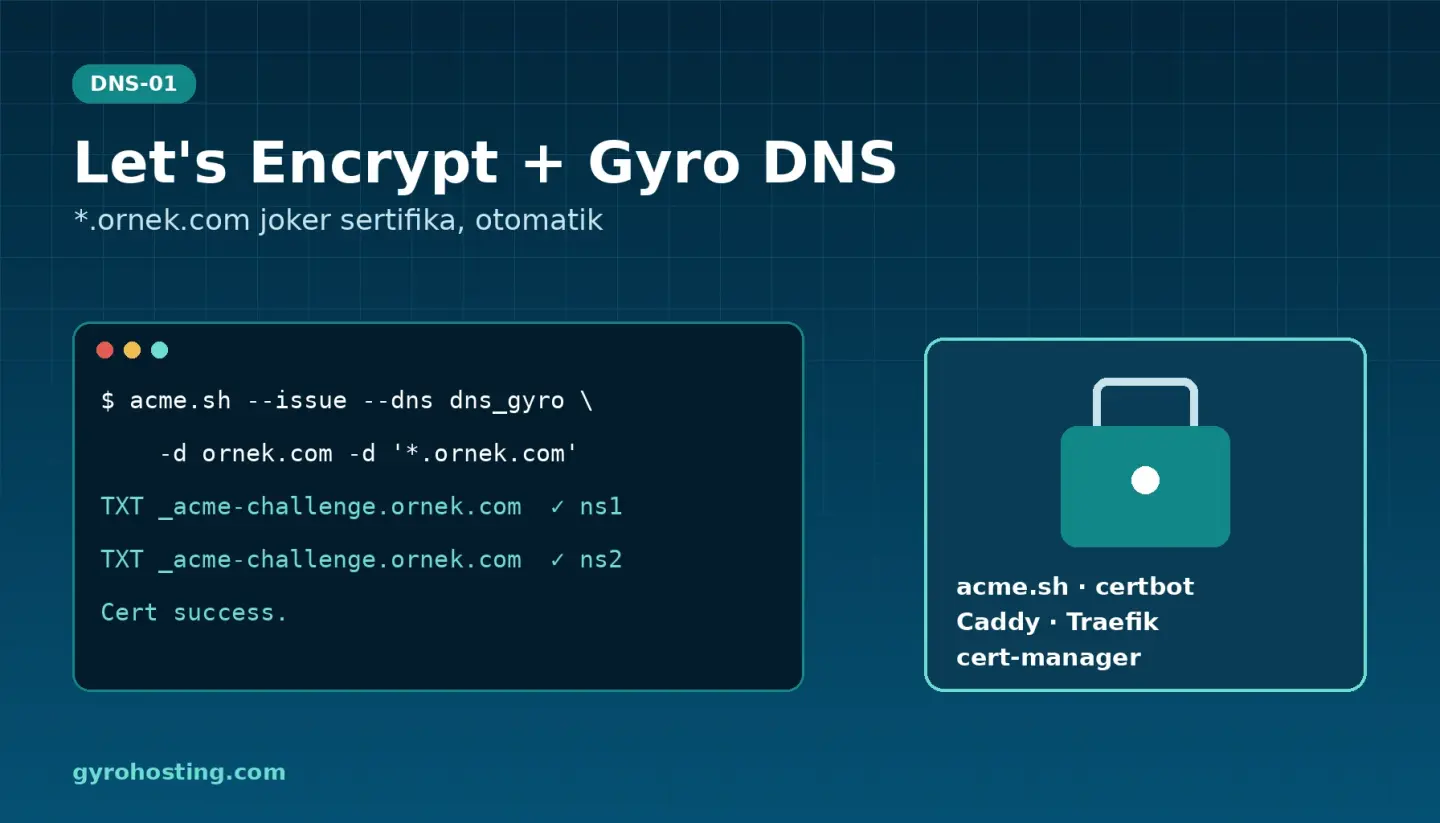
How it works
Your certificate tool writes a temporary TXT record at _acme-challenge.example.com, Let's Encrypt reads it to confirm you control the domain, and the record is removed afterwards. On Gyro DNS the record is usually live on both of our name servers (Istanbul and Germany) in under a minute; our plugins wait for that before telling Let's Encrypt they are ready. Your server does not need port 80 open, and internal servers can get certificates too.
Security: an ACME key that does one job
The tool needs a key to write to DNS. Instead of putting a full API key on every server, Gyro DNS gives you an ACME key for this job only:
- It can only add and remove TXT values at names starting with
_acme-challenge; it cannot read your zones or touch A, MX or any other record. - It cannot reach your services, invoices or account data, and cannot create keys.
- It can be limited to selected zones and to specific IP addresses.
- If it leaks, delete it with one click; we recommend one key per server or cluster.
Create it on the Management → ACME / Let's Encrypt page of your Gyro DNS service, with gyro dns acme-key create, or with the Terraform resource gyro_dns_acme_key.
Supported tools
- acme.sh: the
dns_gyrohook. - Certbot: the
certbot-dns-gyroplugin. - Caddy: the
dns.providers.gyromodule. - Traefik and lego: the small
gyro-acme-execprogram with theexecprovider. - Kubernetes: a cert-manager webhook (Helm chart).
- A simple three-call REST API for anything else.
All plugins are open source (MIT): github.com/Gyro-Hosting/gyro-acme, caddy-dns-gyro, libdns-gyro, cert-manager-webhook-gyro.
Quick example: a wildcard certificate with acme.sh
curl -fsSL -o ~/.acme.sh/dnsapi/dns_gyro.sh \
  https://raw.githubusercontent.com/Gyro-Hosting/gyro-acme/main/acme.sh/dns_gyro.sh
export GYRO_Token="wck_..."   # your ACME key
acme.sh --issue --dns dns_gyro -d example.com -d '*.example.com'
A wildcard covers one level only, so request both example.com and *.example.com. Renewals run automatically with acme.sh's scheduler and the same key.
On Kubernetes
Install our cert-manager webhook with Helm, put the ACME key into a Secret and use groupName: acme.gyrohosting.com, solverName: gyro in your ClusterIssuer. Your Certificate resources then get and renew wildcard certificates by themselves.
Step-by-step guide
Settings for Certbot, Caddy, Traefik and Kubernetes, FAQs and API examples are in the guide Let's Encrypt wildcard certificates with Gyro DNS. Not on Gyro DNS yet? See the Gyro DNS plans; ACME keys, the API and Terraform are included in the free plan as well.
Comments0
No Comments Yet
Be the first to share your thoughts.
Please sign in or sign up to leave a comment.