


Managing DNS with Terraform and the API
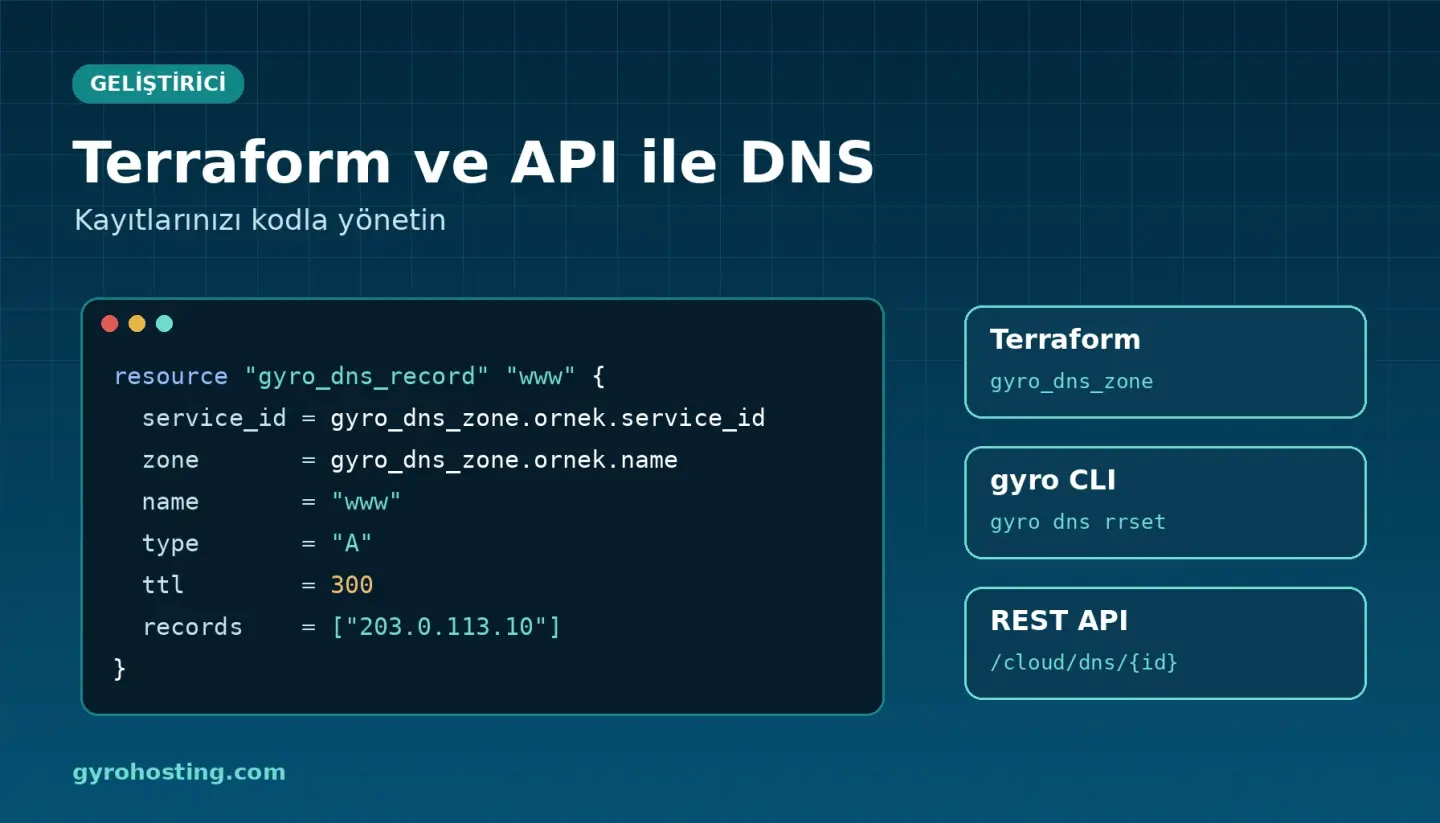
Editing records one by one in a panel works for small projects. When you run more servers or build infrastructure as code, managing DNS with Terraform and the API reduces mistakes and makes changes traceable. Gyro DNS comes with an API, the gyro CLI and a Terraform provider.
Before you start
- You need a Gyro DNS service; API, CLI and Terraform are included in the Free plan too. The examples use service id
789. - Create an API key (starts with
wck_) in the client area, and store it withgyro configurefor the CLI.
Terraform
The provider is published on the Terraform Registry as gyro-hosting/gyro. Pass your key in GYRO_TOKEN:
terraform {
  required_providers {
    gyro = {
      source = "gyro-hosting/gyro"
    }
  }
}

provider "gyro" {}   # reads the API key from GYRO_TOKEN
resource "gyro_dns_zone" "example" {
service_id = 789 # your Gyro DNS service id
name = "example.com"
dnssec = true
}
resource "gyro_dns_record" "www" {
service_id = gyro_dns_zone.example.service_id
zone = gyro_dns_zone.example.name
name = "www"
type = "A"
ttl = 300
records = ["203.0.113.10"]
}
resource "gyro_dns_record" "mx" {
service_id = gyro_dns_zone.example.service_id
zone = gyro_dns_zone.example.name
name = "@"
type = "MX"
records = ["10 mx1.example.com."]
}
output "nameservers" { value = gyro_dns_zone.example.nameservers }
output "ds_records" { value = gyro_dns_zone.example.ds_records }- A zone goes live after ownership is verified. While
statusispending, delegate to thenameserversor create theverification_txt_name/verification_txt_valueTXT record at your current DNS. gyro_dns_recordmanages all values of one name and type. Names without a trailing dot are relative to the zone.- With
dnssec = true, enterds_recordsat your registrar; remove them there before disabling. - Import:
terraform import gyro_dns_zone.example 789/example.comandterraform import gyro_dns_record.www 789/example.com/www/A.
gyro CLI
gyro dns zone create 789 --name example.com
gyro dns zone list 789
gyro dns rrset set 789 example.com --name www --type A --ttl 300 --records 203.0.113.10
gyro dns rrset list 789 example.com
gyro dns dnssec enable 789 example.com
gyro dns zone export 789 example.com
Destructive commands ask for confirmation; use --yes in scripts and --dry-run to preview the request.
REST API
DNS endpoints live under /api/v1/client/cloud/dns/{id}/…:
curl -X PUT \
  https://www.gyrohosting.com/api/v1/client/cloud/dns/789/zones/example.com/records \
  -H "Authorization: Bearer $GYRO_TOKEN" \
  -H "Content-Type: application/json" \
  -d '{"name":"www","type":"A","ttl":300,"records":["203.0.113.10"]}'
Deleting, disabling DNSSEC and importing require "confirm": true. The default limit is 60 requests per minute per key. Full reference in the developer docs.
Comments0
No Comments Yet
Be the first to share your thoughts.
Please sign in or sign up to leave a comment.