


Gyro MCP server: let your AI assistant read the Gyro docs and manage your account with your approval
Ask your AI assistant "what does a new server in Istanbul cost?" or "what do the latest logs of my api service say?". The Gyro MCP server is live: Claude, Cursor, VS Code and every assistant that speaks the Model Context Protocol (MCP) can search the Gyro developer docs and manage your account with your own API key.
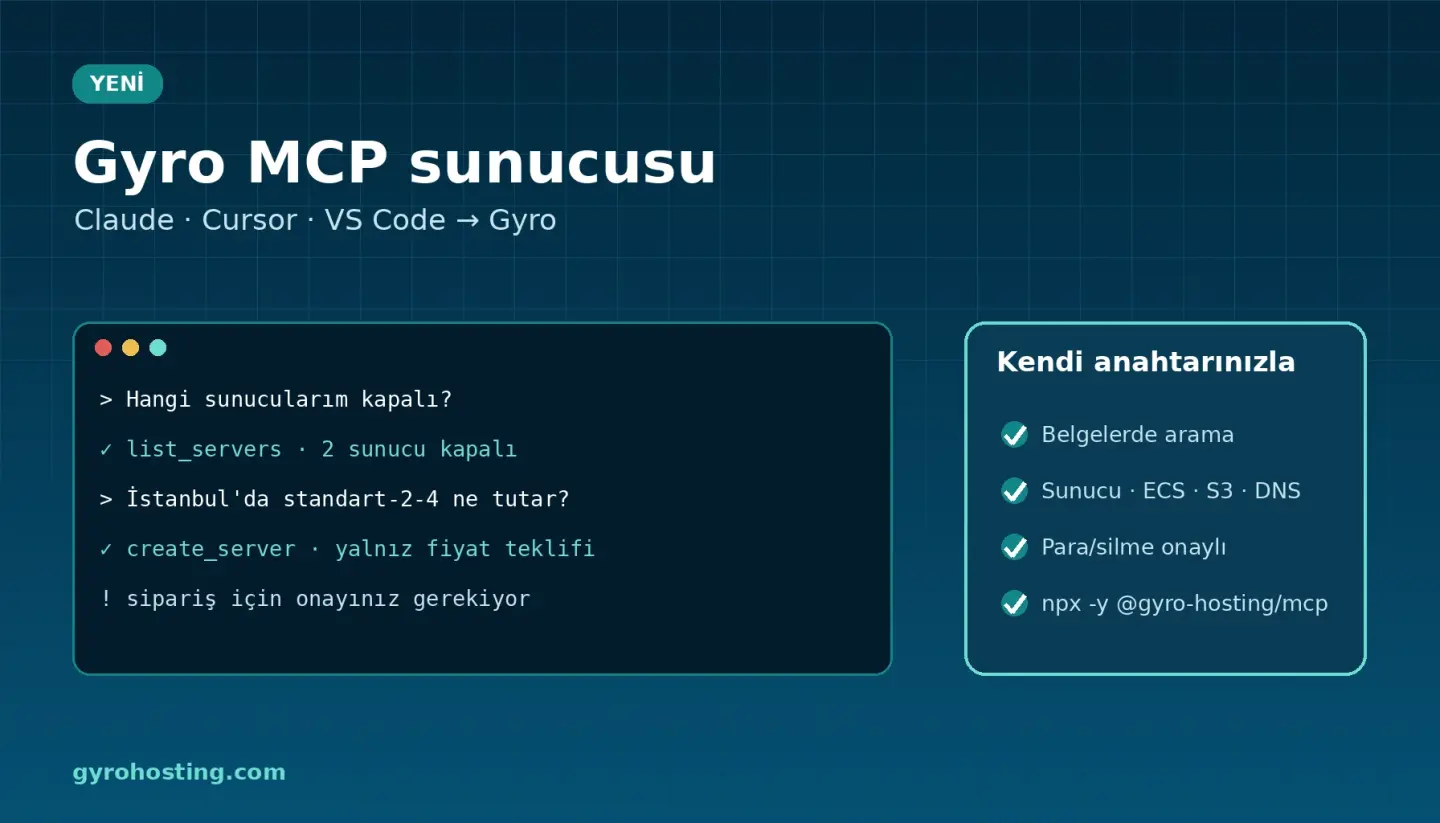
What it can do
- Docs, no key: search across 432 API operations, the full OpenAPI description of an endpoint, guides and account limits.
- Your account, your key: services, cloud servers, Gyro Containers environments and logs, S3 buckets, DNS records, balance.
- With your approval: server power actions, container scaling, DNS records, bucket creation; orders and deletes.
Safety first
- Tools that change something do nothing without confirmation (
confirm); order tools return a price quote first, no money is spent until you agree. - Irreversible tools are marked destructive; your assistant asks before running them.
- Your key is never logged, secret fields are masked, and text coming from the API is marked as untrusted data (against prompt injection).
- The assistant only sees your account and cannot go beyond the scopes of your key.
Setup: one line
{
  "mcpServers": {
    "gyro": {
      "command": "npx",
      "args": ["-y", "@gyro-hosting/mcp"],
      "env": { "GYRO_TOKEN": "wck_..." }
    }
  }
}
claude mcp add gyro --env GYRO_TOKEN=wck_... -- npx -y @gyro-hosting/mcp
Full setup (Claude Desktop, Claude Code, Cursor, VS Code) and the tool list: developer docs: MCP · knowledge base guide. Source code: Gyro-Hosting/gyro-mcp.
Our developer docs are new too: Ctrl K search everywhere, product pages, curl, CLI and Terraform examples on every endpoint, a Markdown version of every page and a one-click OpenAPI download.
Comments0
No Comments Yet
Be the first to share your thoughts.
Please sign in or sign up to leave a comment.