


Projects and Gyro Console: group your services and manage your cloud on one screen
Dozens of services side by side in My Services? We added two features to the client area: Projects group your services by client, team or environment, and Gyro Console shows your cloud resources by type on one screen, like the consoles of the large cloud providers. Both are free and available to every customer.
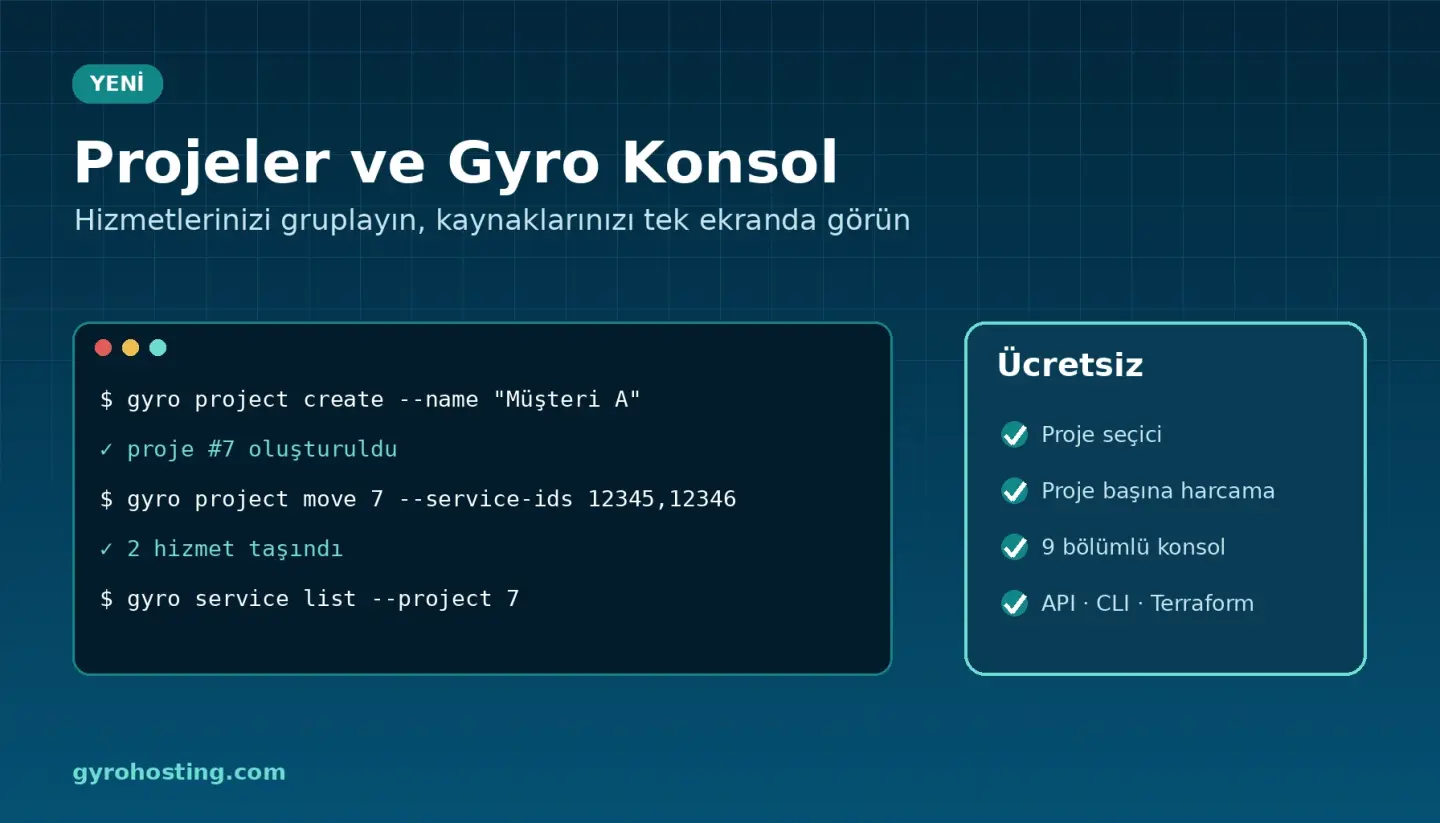
Projects
- Project switcher: pick a project in the top bar; My Services and Gyro Console show only that project.
- Bulk move: tick services in My Services and move them to a project at once. The service, its invoices and tags do not change.
- Spend per project: the Projects page shows this month's spend per project (prepaid usage plus the monthly equivalent of recurring services).
- New orders go to the selected project: anything you order while a project is selected lands in that project.
- Nothing breaks: all existing services are in the default General project; you can carry on without ever creating a project.
Gyro Console
Gyro Console, right below Dashboard in the left menu, gives servers, containers, image registry, security groups, IP addresses, load balancers, DNS zones, object storage and monitoring their own lists and detail pages. Search by name, IP, PTR, bucket or tag, and jump from a resource to its tools (VNC console, additional IPs, snapshots, plan change) in one click. The console follows your project choice too.
From the command line and Terraform
gyro project create --name "Client A" --color teal --icon briefcase
gyro project move 7 --service-ids 12345,12346
gyro service list --project 7
resource "gyro_project" "client_a" {
  name  = "Client A"
  color = "teal"
}

resource "gyro_server" "web" {
  plan          = "standart-2-4"
  region        = "tr-ist-1"
  image         = "ubuntu-24.04"
  confirm_order = true
  project_id    = tonumber(gyro_project.client_a.id)
}
Available in the API (/cloud/projects and project_id on orders, Gyro API 2.18.0), the gyro CLI v1.21.0 and Terraform provider 0.18.0 (gyro_project, gyro_service_project).
Details: the Projects and Gyro Console guides.
Comments0
No Comments Yet
Be the first to share your thoughts.
Please sign in or sign up to leave a comment.