


Log retention packages and one-off jobs in Gyro Containers
Two new features are live for Gyro Containers (ECS): log retention packages that keep your application logs for up to a year, and one-off jobs for work such as database migrations.
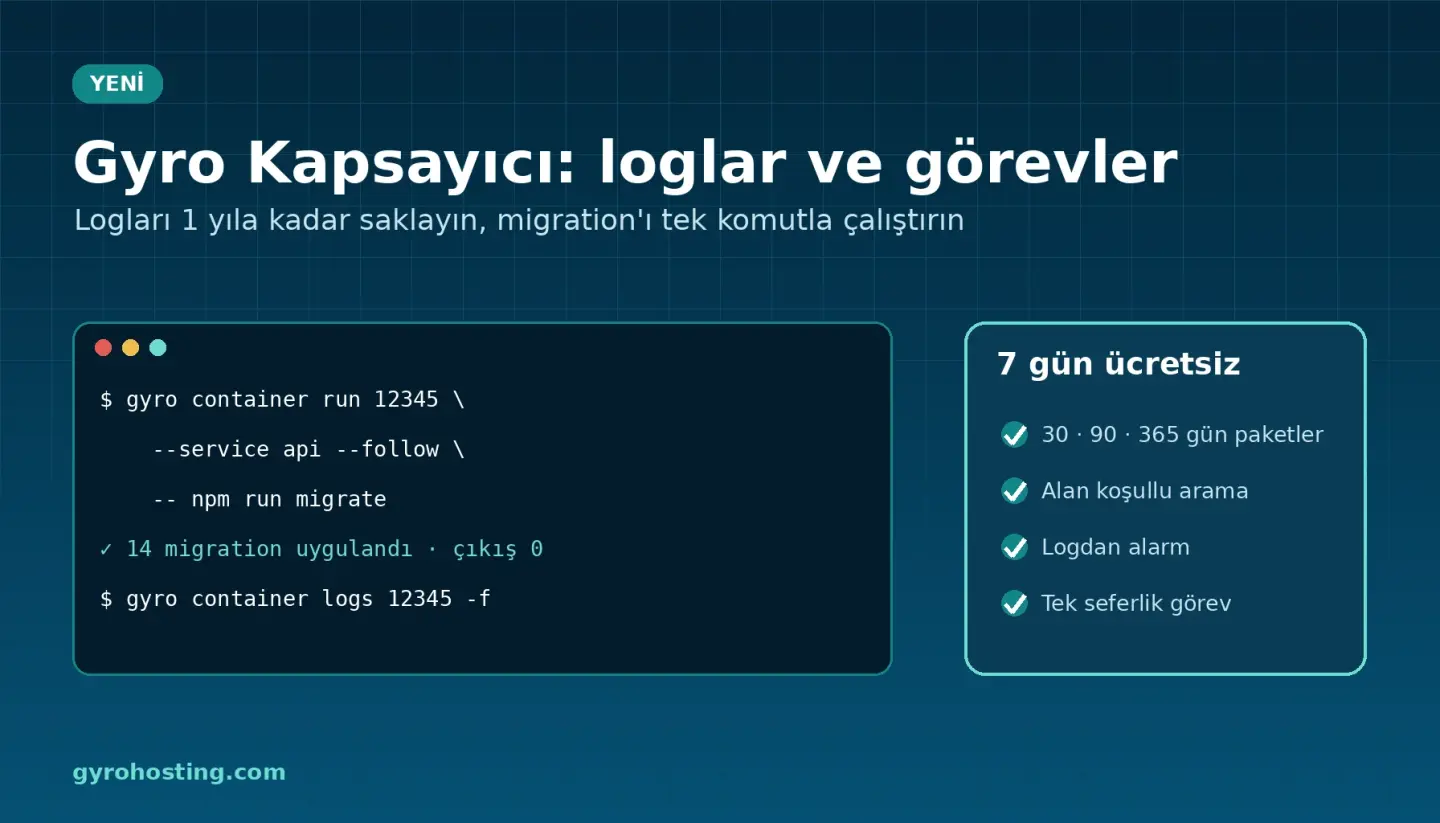
Logs: 7 days free, up to 1 year if you need it
Every line your application writes to stdout and stderr is logged. Each environment gets 7 days and 5 GB a month for free. To keep logs longer, choose a package: 30, 90 or 365 days and 10, 50, 100 or 300 GB a month (up to 100 GB at 365 days). The charge is taken hourly from your prepaid balance; change the package or go back to the free one at any time.
What you can do
- Field-aware search: across all services or one, with conditions such as
status>=500, level and time range. - Live tail: follow new lines as they arrive; copy or download.
- Summaries: group by service, level or a field and see a histogram.
- Log alerts: up to 10 rules; for example, if 20 lines containing
/api/paymentappear within 5 minutes, get an e-mail, SMS or Telegram message.
Prices (monthly, excluding VAT)
Struck-through figures are list prices.
30-day retention
- 10 GB/month:
1.49 €1.25 € - 50 GB/month:
7.99 €6.49 € - 100 GB/month:
15.49 €12.49 € - 300 GB/month:
31.99 €25.99 €
90-day retention
- 10 GB/month:
2.19 €1.79 € - 50 GB/month:
12.99 €10.49 € - 100 GB/month:
25.99 €20.99 € - 300 GB/month:
49.99 €39.99 €
365-day retention
- 10 GB/month:
4.99 €3.99 € - 50 GB/month:
29.99 €24.49 € - 100 GB/month:
59.99 €47.99 €
There is no overage bill. When the month's volume is used up the oldest logs are deleted earlier, and you are notified at 80 % and 100 %. If you cancel the environment, its logs are deleted immediately.
CLI, Terraform and API
gyro container logs 12345 api --where 'status>=500' --since 2h
gyro container logs 12345 -f
gyro container log-stats 12345 --by status
gyro container log-usage 12345
gyro container log-retention set 12345 --days 90 --gb 10 --yes
resource "gyro_container_logs" "app" {
  service_id     = gyro_container_environment.app.id
  retention_days = 90
  gb_month       = 10

  rules = [
    { name = "payment errors", service = "api", pattern = "/api/payment", threshold = 20, window_minutes = 5 },
  ]
}
API endpoints live under /cloud/containers/{id}/logs. With the Gyro MCP server your AI assistants can query logs too. Details: developer docs and the Logs guide.
One-off jobs: migrations and seeds
Before a new release goes live you often need to update the database or load data once. You no longer need a separate server for it: from the Jobs tab you run a one-off command with the same image and variables as your service.
- Follow the output live; secrets are masked as
****. - The last 50 jobs are kept with their exit codes.
- 2-3 jobs can run at once (depending on the package); the time limit is between 10 seconds and 6 hours.
- Jobs have no separate charge; on Serverless the resources they use are billed at the normal vCPU-second and GB-second prices.
gyro container run 12345 --service api --follow -- npm run migrate
gyro container run 12345 --service web --wait --time-limit 10m -- \
  sh -c "php artisan migrate --force && php artisan db:seed --force"
gyro container jobs 12345
gyro container job logs 12345 jt0abc12def3
--follow and --wait exit with the job's exit code, so you can use them directly in scripts and CI.
Automatic migration before a deploy
With Gyro Pipeline the release step runs the job with the new image before the deploy. If the job fails, nothing is deployed; your running version stays as it is.
image: api
build:
  image: node:22-alpine
  commands:
    - npm ci
    - npm test
deploy:
  services: [api]
  release: ["npm", "run", "migrate"]
  rollback: true
There is deliberately no Terraform resource for jobs: a job is a one-time action, not lasting infrastructure. The API and the gyro CLI cover it. Details: One-off jobs guide and the developer docs.
Try it now
The Logs and Jobs tabs are open for all Gyro Containers environments. See the Gyro Containers page, and the developer documentation at /developers.
Comments0
No Comments Yet
Be the first to share your thoughts.
Please sign in or sign up to leave a comment.