


Gyro Containers join your private network: private IPs to your database, a fixed source range
Your application runs on Gyro Containers and your database on a Gyro Cloud Istanbul server? Now both can talk inside the same private network (VPC): no need to expose the database to the internet or to track the changing IPs of your containers.
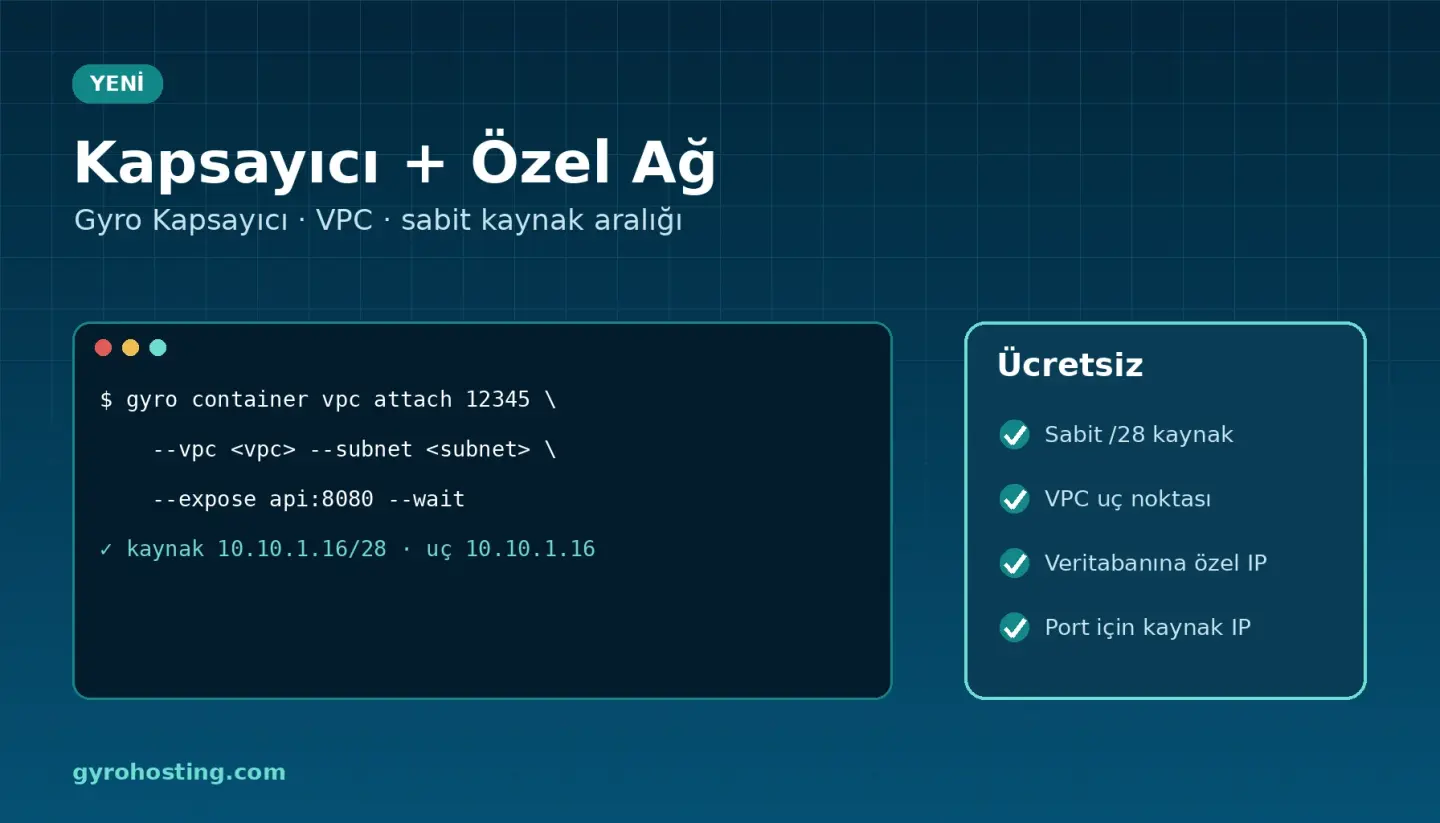
What is included?
- A fixed VPC source range: the environment gets a block of 16 addresses (/28) inside the subnet. Connections from the containers to VPC servers come from this range, and it does not change when nodes are renewed, scaled or the plan changes. Allow it once in your database firewall.
- A VPC endpoint: publish the services you choose to the VPC; VPC servers reach them at
endpoint:port. The endpoint is not reachable from the internet. - Free: the connection and VPC traffic are not billed, and no VPC gateway is needed.
- Source IP lists for port forwards: open SSH, RDP or database forwards on the VPC gateway to your own IPs only (up to 20 networks); change the list any time.
- Everywhere: the Private network (VPC) tool on the container service page, Gyro Console, the API, the
gyrocommand line, Terraform and Gyro MCP.
This version works with node plans (Mini, Small, Starter, Standard, Pro); Serverless environments are coming soon.
From the command line
gyro container vpc attach 12345 --vpc <vpc-id> --subnet <subnet-id> \
  --expose api:8080 --wait
gyro container vpc get 12345      # source_range, endpoint_ip

# open SSH on the VPC gateway to your office only
gyro vpc port-forward update <vpc-id> <pf-id> --source 203.0.113.10
With Terraform
resource "gyro_container_vpc_attachment" "app" {
  environment_id = 12345
  vpc_id         = gyro_vpc.main.id
  subnet_id      = gyro_vpc.main.default_subnet_id
  expose {
    service = "api"
    port    = 8080
  }
}
Guides
- Connecting a container environment to a private network (VPC)
- What is a private network (VPC)?
- VPC gateway: NAT, port forwarding and source IP lists
Get started: Gyro Containers · Gyro Cloud Istanbul.
Comments0
No Comments Yet
Be the first to share your thoughts.
Please sign in or sign up to leave a comment.