


Scheduled jobs on Gyro Containers: cron, time zones and retries
A nightly report, a queue cleanup every 15 minutes or a campaign e-mail at a set time no longer needs a scheduler inside your application. Scheduled jobs are here on Gyro Containers.
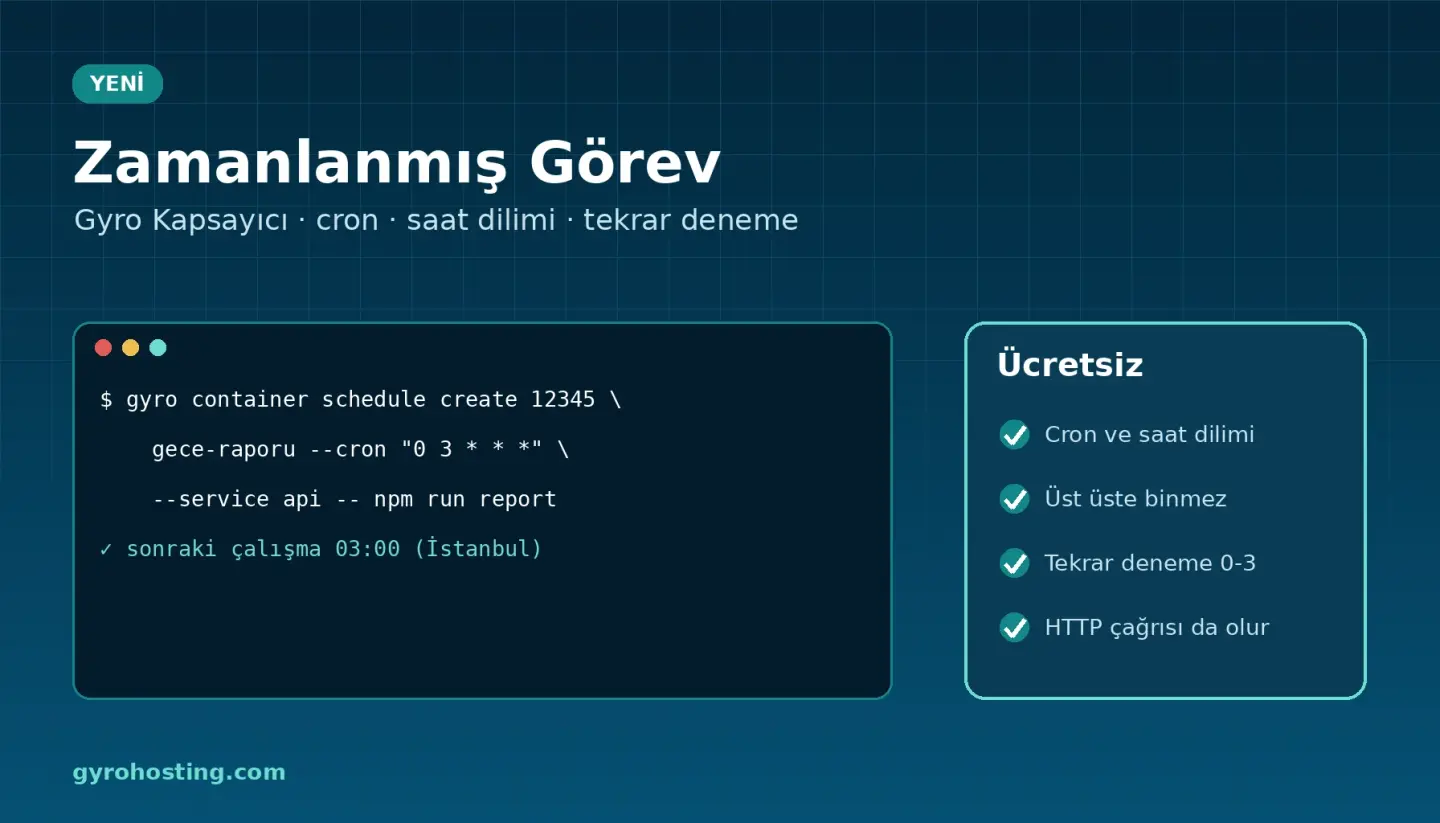
What is included?
- Three kinds of timing: a cron expression (
0 3 * * *,@daily), every N minutes or once. - Time zones: Istanbul by default; UTC or any other zone for users abroad.
- A service command or an HTTP call: the command runs with the image of your service's running version, its variables and secrets. HTTP headers are kept secret.
- No overlapping runs: a run never starts while the previous one is going; however many copies your service has, the job runs once.
- Retries and notifications: a failed run is retried up to 3 times, then you are told by e-mail, SMS, Telegram or webhook. Missed runs are reported too.
- Everywhere: Jobs > Scheduled in the panel, the API, the
gyrocommand line, Terraform (gyro_container_schedule) and Gyro MCP.
No extra charge on node plans. On Serverless each run is billed per second like a task; the shortest interval is 5 minutes.
From the command line
gyro container schedule create 12345 nightly-report --cron "0 3 * * *" \
  --service api --retries 2 -- npm run report
gyro container schedule create 12345 queue-tick --every 15m \
  --url https://api.example.com/cron --method POST --header "Authorization: Bearer $TOKEN"
gyro container schedule list 12345
With Terraform
resource "gyro_container_schedule" "report" {
  environment_id = 12345
  name           = "nightly-report"
  cron           = "0 3 * * *"
  timezone       = "Europe/Istanbul"
  service        = "api"
  command        = ["npm", "run", "report"]
  retries        = 2
}
Guides
Get started: Gyro Containers.
Comments0
No Comments Yet
Be the first to share your thoughts.
Please sign in or sign up to leave a comment.